Most teams that use Smartsheet don’t struggle because the platform lacks capability. They struggle because they never get the time or structured Smartsheet training needed to apply it properly. They open the platform, see the potential, and then run into friction.
Dashboards feel incomplete. Automations do not behave as expected. Reporting takes longer than it should. Instead of accelerating work, Smartsheet becomes something else to manage.
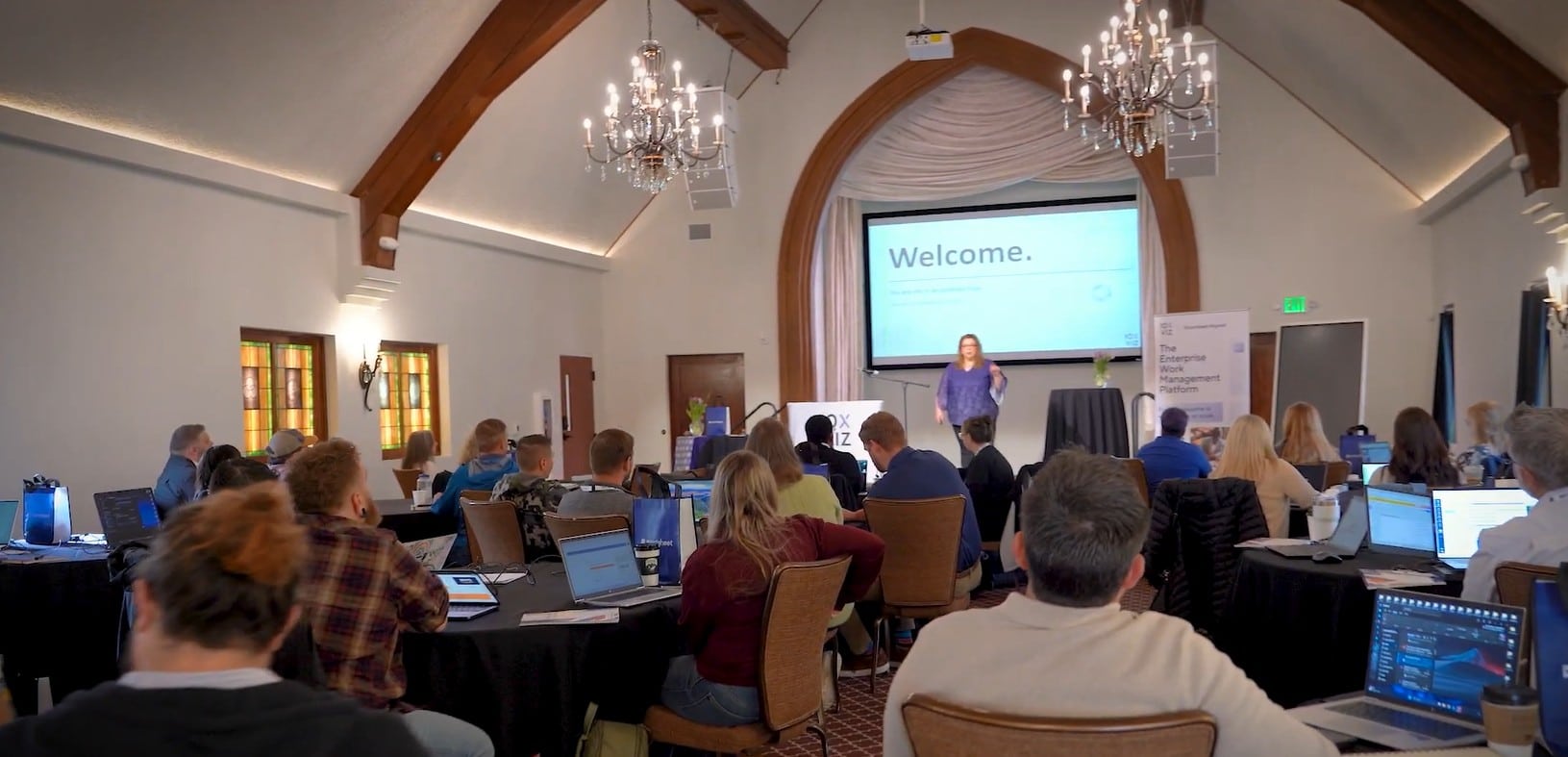
This pattern showed up at the most recent Smartsheet Bootcamp. Attendees arrived with real challenges, unfinished systems, and questions they had not been able to answer on their own. They left with something different: not just knowledge, but working solutions.
When learning turns into progress
For many Efficiency Live attendees, the biggest change was speed. Timathy Thomason, a technical program manager at Amazon Web Services, spent years trying to understand how to make Smartsheet work.
“I was spending more time trying to figure out what I could do and what would work rather than actually getting results,” he said.
That changed quickly at Efficiency Live.
“What would have taken me probably several months to figure out, I did in two days,” Thomason noted.
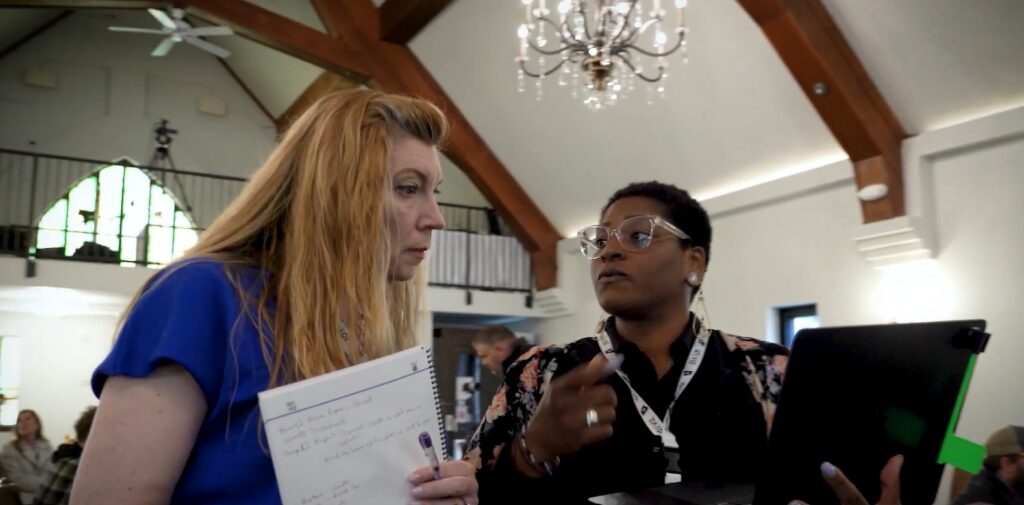
That kind of progress comes from solving real problems with guidance, not from watching tutorials. Efficiency Live attendees build their own systems, work through blockers, and leave with solutions they can use immediately.
How confidence changes execution
Newer users often feel the weight of Smartsheet’s flexibility. The same features that make the platform powerful can also make it difficult to approach without direction. Ty Tilghman, a technical project manager at Colorado PERA, came to Efficiency Live early in her experience with both project management and Smartsheet.
Her initial uncertainty began to fade as she worked through real use cases with guidance at Efficiency Live. Instead of trying to piece together solutions on her own, she was able to build with context, ask questions in real time, and see how different components fit together.
“I feel so confident working with Smartsheet now,” Tilghman commented.
That confidence also translated into immediate results.
“I am probably saving 10 hours a week just by having gone through this bootcamp for the last three days,” she added.
When teams understand how to structure their work, Smartsheet starts working with them.
Why time to build matters
One of the biggest constraints in most organizations is time. Teams are expected to improve systems while still delivering daily work, which leaves little room to step back and build with intention. Efficiency Live creates that space.
Deanna Vandermeer reflected on how her approach to building Smartsheet dashboards evolved over time. Early on, she treated dashboards as quick deliverables, assembling them just enough to function without considering how users would interact with them. This approach led to low engagement and limited impact across her solutions.
“I always wondered why people weren’t really interacting in a lot of my solutions,” she explained.
Through focused work during the session, that perspective changed. She began to see Smartsheet dashboards not as an output, but as the entry point for how teams engage with data and workflows.
“I learned that it really is about that very first impression, which is your dashboard,” Vandermeer continued.
With dedicated time to refine structure, test usability, and improve clarity, solutions become more intuitive and more widely adopted. Instead of rushing to complete something functional, teams return with systems that are designed to be used.
Simplifying what feels complex
Many teams rely on multiple tools to manage projects, track data, and report on progress. Over time, this fragmentation creates unnecessary complexity. Information becomes harder to track, systems overlap, and teams spend more effort maintaining processes than executing work. David Lindahl brought that exact challenge to Efficiency Live.
“We used a ton of different tools to be able to accomplish the same thing,” he admitted.
Rather than adding another layer of tooling, the focus shifted to restructuring how work was organized. By consolidating workflows and aligning them within a single system, complexity started to fall away. What once required multiple steps across different platforms could be handled more directly and consistently.
“The staff here at 10xViz was able to provide a simplistic approach to some of the complex challenges that I was facing,” Lindahl said.
This simplification has a practical impact. When systems are easier to manage and more clearly structured, teams spend less time navigating them and more time moving work forward.
What attendees take away
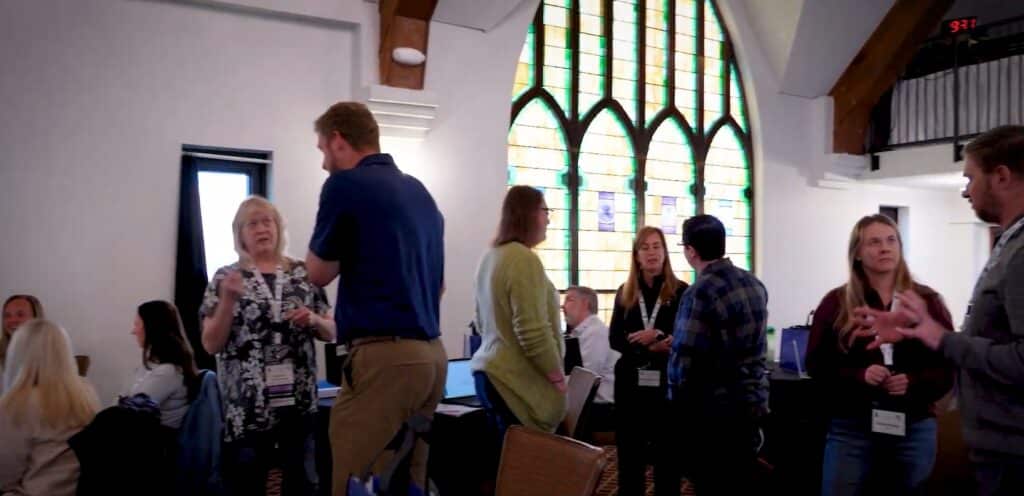
Efficiency Live is built around interaction and iteration. Attendees work through their own challenges alongside others facing similar issues, which creates momentum. Learning becomes more effective when it is reinforced through real conversation and shared progress.
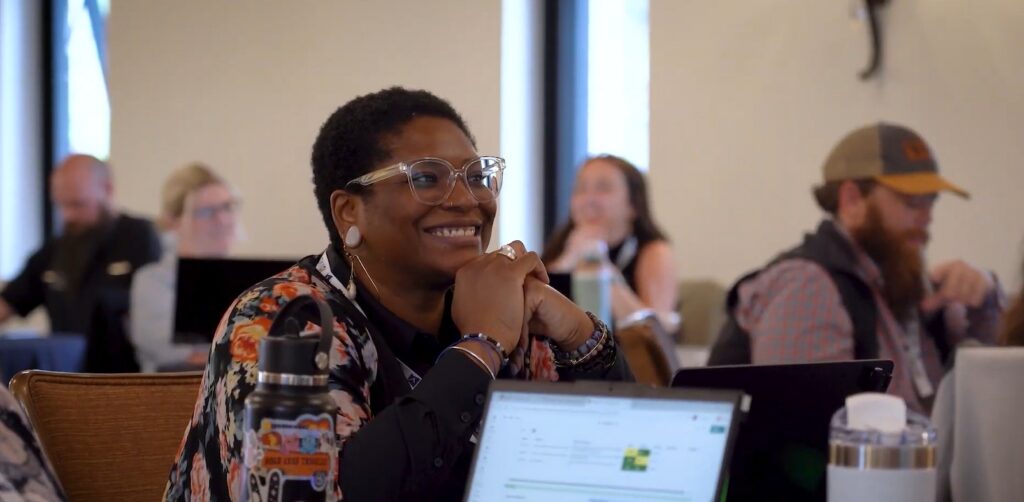
Attendees leave with working systems, a clearer approach to structuring their work, and the confidence to keep building. Time savings start immediately and continue to grow as teams apply what they have learned.
“You leave this training feeling comfortable to actually work on that Smartsheet efficiently,” Thomason concluded.
Building real solutions that work
The challenges brought into Efficiency Live are not unique. Overwhelming tools, incomplete systems, and limited time show up across organizations. What changes is how those challenges are addressed. Efficiency Live provides a focused environment where teams can move past trial and error and engage in hands-on Smartsheet training that leads to systems that actually work.
Are you ready to stop struggling with Smartsheet and start building real solutions? Register for 10xViz’s next Efficiency Live or Master Class today at 10xviz.com/events.